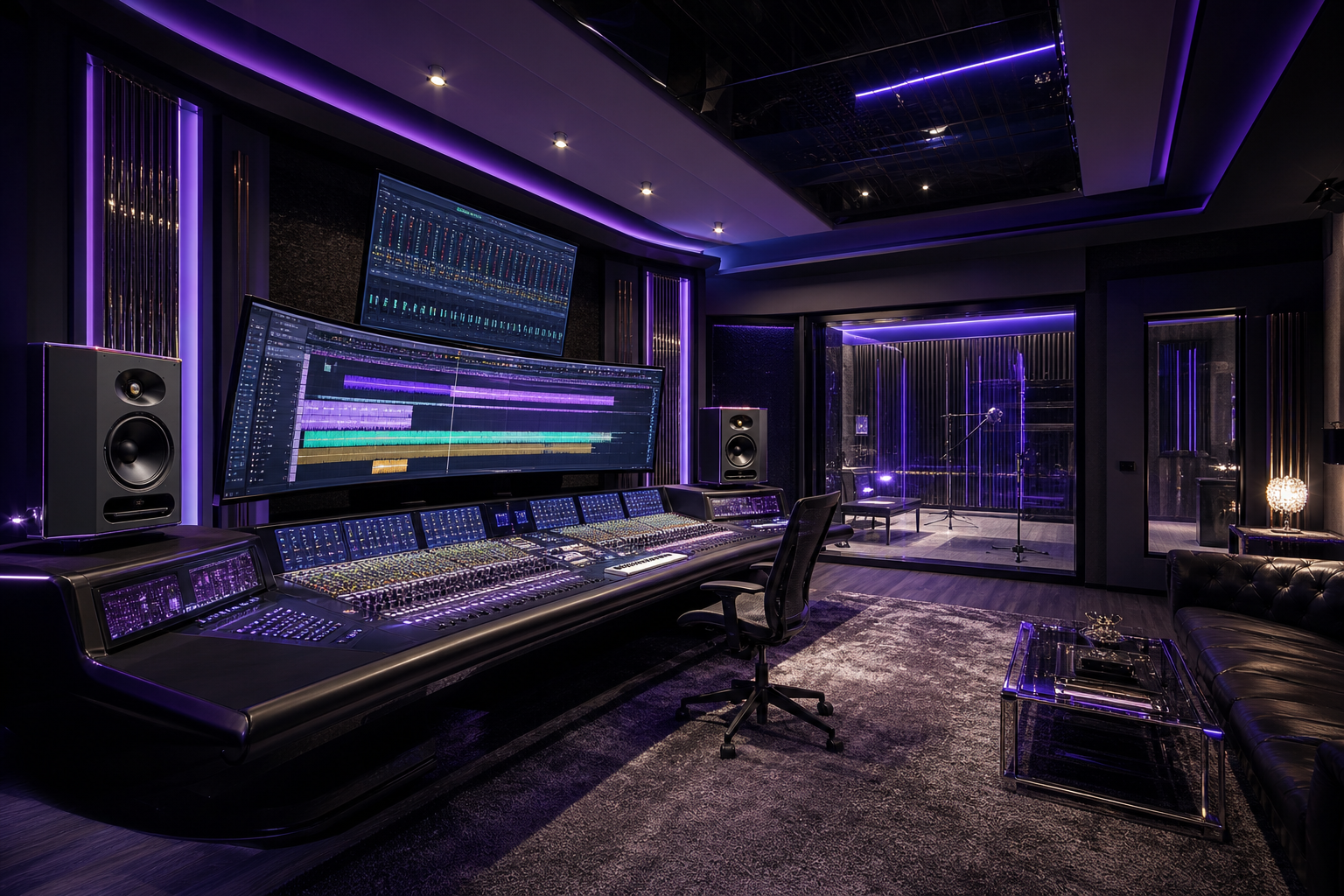
WOP Music Studio
AI Music Studio
Write original songs and jingles, render instrumentals and AI vocals, layer your own voice, then mix and export broadcast-ready audio for any WOP campaign.
- 1Type one prompt in Song Maker — style, tempo, arrangement and tagged lyrics come back complete.
- 2Send it to the studio: render the bed, add AI vocals or record your own in the vocal booth.
- 3Balance the mixer and export a WAV or MP3 ready to drop into any campaign.
Song Maker
One prompt in — style, tempo, key, arrangement, tagged lyrics, mix notes, cover art and three variations out. Send it straight to the multitrack studio below.
Song brief
Vocal booth
Studio mic chain, live voice change, pitch & timing repair, one-tap master — up to 10 takes.
Mic Locker
Proximity lift right now: +3.3 dB at 160 Hz. Patterns: Cardioid, Omni, Figure-8. Self-noise 12 dB-A · max SPL 127 dB.
Want the real thing? Neumann U 87 Ai · around $3,800 street
WOP may earn a commission when you buy hardware through these links, at no extra cost to you. Buying gear is optional — every modelled mic works without it, and no purchase affects your results on the platform.
Your voice, untouched — heard live in your headphones while you record.
Fast + full strength gives the hard-tuned pop sound; 60–120 ms stays natural.
Lyrics & arrangement
Your lyric sheet, tempo, key and production brief appear here once the song is written.
Beatmaker — drums & bass from your lyrics
Paste the words (or leave this empty to use the song above). The beat follows how the lyric lands — busy lines get a faster grid, punchy lines get a harder kick — then you can drop it under any melody in the mixer.
Podcast studio
Record your voice, drop an intro and outro around it, set the fades, then export an episode that is already levelled the way podcast apps expect.
Record a voiceover
Each recording lands at the end of the running order — record one chapter at a time and you can reorder them below.
Intro & outro music
Mixer
No tracks yet — render an instrumental, add a vocal take, or record your own voice.
Mastering desk
Loudness measured to ITU-R BS.1770-4 / EBU R128, true peak read at 4x oversampling, and a look-ahead limiter that holds the real dBTP ceiling. Every delivery is checked against the platform spec before it leaves.
Streaming normalisation
Tone & field
Incoming
Load the studio mix or upload a track and the desk will read it before it touches it.
Reference match
Drop in a track you want to sit beside. The desk measures its spectrum across 24 bands, its crest and loudness range, and its tempo — then moves your mix toward it. Balance is matched, never the level, and never the song.
No reference loaded — the master runs on your tone settings alone.