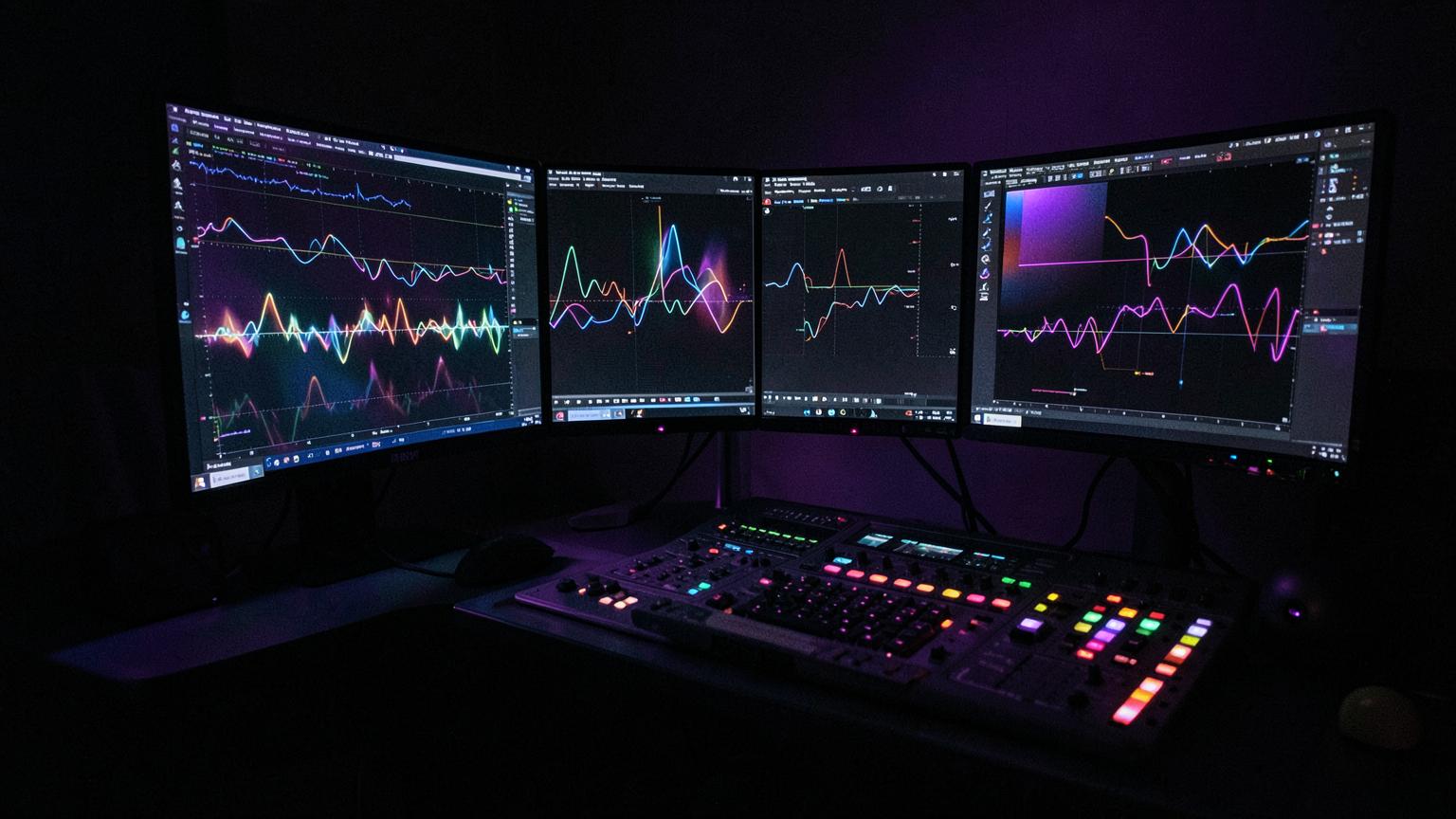
Room 07 · finishing
Video & Photo Editing Room
Master edit agents on shift around the clock. Use a default filter, or type the edit in plain words and the agent builds the grade, the retouch and the steps behind it.
- 1Pick the agent whose craft fits the pass — colorist, retoucher, editor, VFX or social.
- 2Drop a photo or clip in and try the default filters, or type how you want it to look.
- 3Preview it live, then download the still or take the recipe into Video Studio.
Master agents on shift
Pick who handles this pass. Their craft shapes every filter and instruction below.
Default filters
Drop a still or a clip in and the room goes live.
Or just type the edit
Plain words: “warm sunset grade, lift her skin, crush the shadows” or “clean white background, remove the cable”. Vega translates it into the grade.
Timeline & encode ladder
Lay your clips against the mastered track, cut them on its beat grid, then deliver every rung with the audio muxed in and checked against the platform spec.
No mastered track yet — load a WAV/MP3, or pick one of your releases below.
Add clips to build the sequence. Every cut can be snapped to the beat of your mastered track.