Akai MPK Mini MK3
25 keys, 8 pads and 8 knobs — the classic bus-powered starter deck.
- USB-B to USB-A
- USB-C with an adapter
- Phone with a powered hub
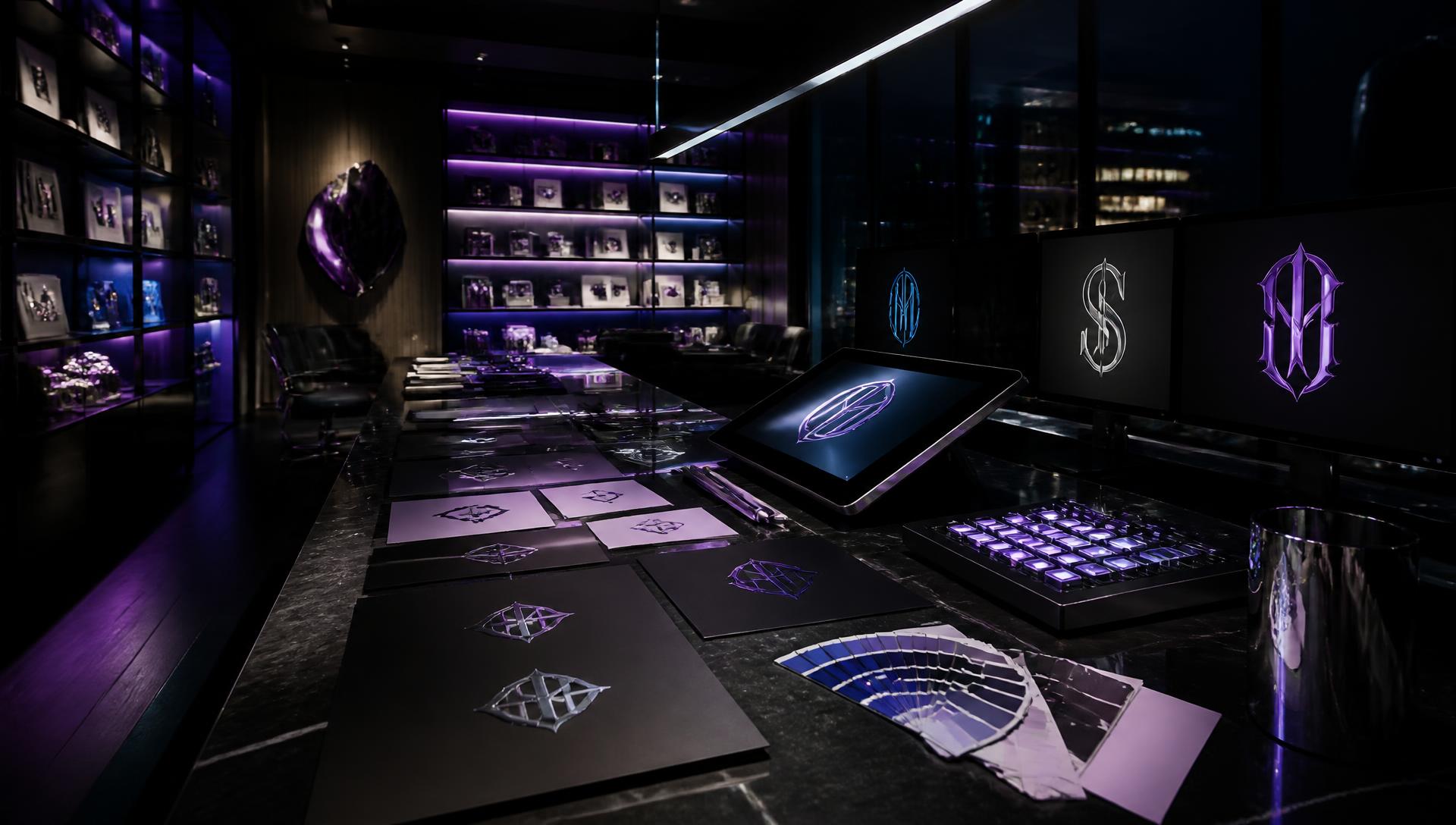
WOP Branding Studio
A master designer on shift around the clock. Pick your occupation, a direction and a palette — your agents return four logo lockups you can download and use across every WOP room.
Same brief, top-tier model, 4K output. Slower and costs more credits than the draft.
Four distinct lockups per run — vertical, horizontal, letterform and badge.
Plug a controller into your phone, tablet or computer and run this room with knobs and pads instead of the mouse.
This browser can't reach MIDI devices. Chrome on Android, or Chrome/Edge on a computer, works best.
Design direction
Sweep a knob to scroll through every style.
Palette
Sweep a knob to move through the colour palettes.
Occupation
Sweep a knob to change the industry cues.
WOP glyph on/off
Hit a pad to toggle the certification glyph.
Generate 4 concepts
Hit a pad to start a normal run.
Higher-grade run
Hit a pad for the 4K top-tier render.
Phone or tablet (USB-C)
Plug the controller into a USB-C hub with power passthrough, then into your phone. Open this page in Chrome and press Connect.
Laptop or desktop (USB)
Plug in the controller before pressing Connect. Close any other app that has the device open, or the browser can't see it.
Wireless (Bluetooth MIDI)
Pair the controller in your system Bluetooth settings first, then press Connect here and it shows up like a cabled device.
Everything that plugs into this room — controllers, phone and USB-C connections, drawing surfaces and colour tools. Save any link to your affiliate vault and it becomes your own earning link.
Akai MPK Mini MK3
25 keys, 8 pads and 8 knobs — the classic bus-powered starter deck.
Novation Launchkey Mini MK4
Pads and knobs that map cleanly to studio controls in the browser.
Novation Launchpad X
64 velocity pads — one pad per palette, style or render action.
Korg nanoKONTROL2
Nine faders and knobs — the cheapest way to get hands-on sliders.
CME WIDI Bud Pro
Wireless Bluetooth MIDI, so no cable runs to your phone at all.
Anker Powered USB-C hub
Powers the controller and charges the phone at the same time.
Apple USB-C OTG adapter
The simple one-cable route from a class-compliant controller to a phone.
Elgato Desk phone arm
Holds the phone at eye level while you work the pads.
Wacom Intuos Pro Small
Draw logo marks and retouch stills by hand instead of by mouse.
Elgato Stream Deck MK.2
Labelled buttons for render, download and higher-grade runs.
Loupedeck Loupedeck Live S
Dials plus a touch panel — good for palette and contrast sweeps.
Calibrite ColorChecker Display
Calibrates your screen so brand colours print the way you approved them.
Pantone Formula Guide Coated/Uncoated
Match your generated palette to a real printed ink reference.
GTI D50 viewing lamp
Neutral daylight so a logo proof looks the same on desk and screen.
WOP may earn a commission when you buy through these links, at no extra cost to you. Gear is optional — every studio works without it, and no purchase affects your results.